
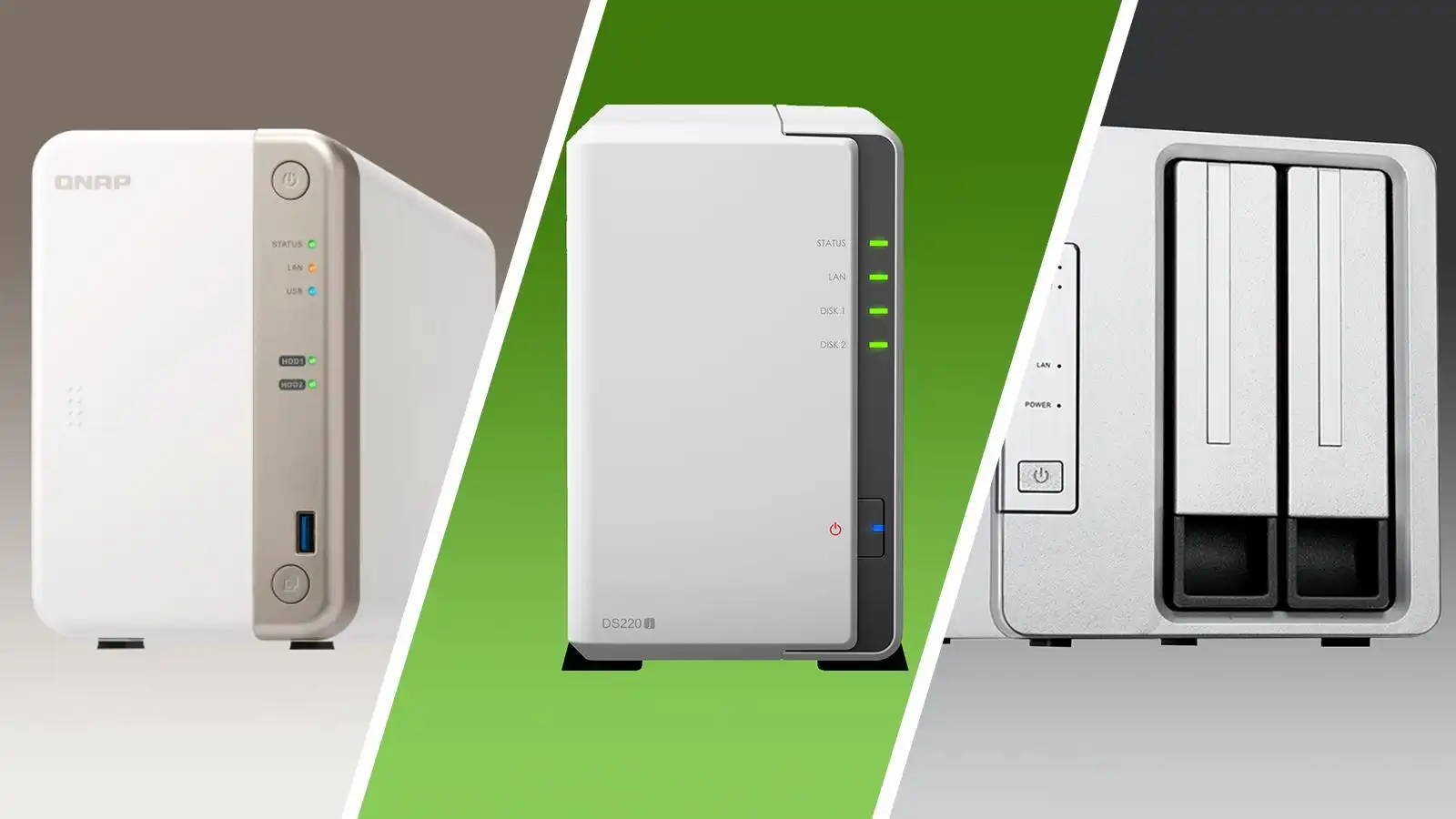
In today’s digital age, families face an ever-growing challenge of managing their digital memories and files scattered across multiple devices. From precious family photos and videos to important documents, the risk of losing these irreplaceable assets due to device failures or disorganization is a constant concern. Network storage drives offer a powerful solution, serving as a central hub for all your digital content. However, the true potential of a NAS lies not just in its storage capacity, but in its vibrant ecosystem of applications that transform it into an intelligent digital command center. These apps enable everything from automated photo backups to seamless media streaming, making your digital life more organized and secure. In this guide, we’ll explore the essential NAS applications that every family should consider, with special attention to protecting and managing your cherished photo collections, ensuring your memories are preserved for generations to come.
Unlocking Your Network Storage Drive’s Potential
A Network Attached Storage (NAS) drive becomes truly transformative when enhanced with the right applications. While the basic hardware provides reliable storage, it’s the software ecosystem that turns your NAS into an intelligent digital hub. Modern NAS systems, especially those equipped with SSD NAS, deliver exceptional performance that makes real-time file access and streaming feel instantaneous. This speed advantage is crucial for running sophisticated applications that handle everything from automated backups to media transcoding.
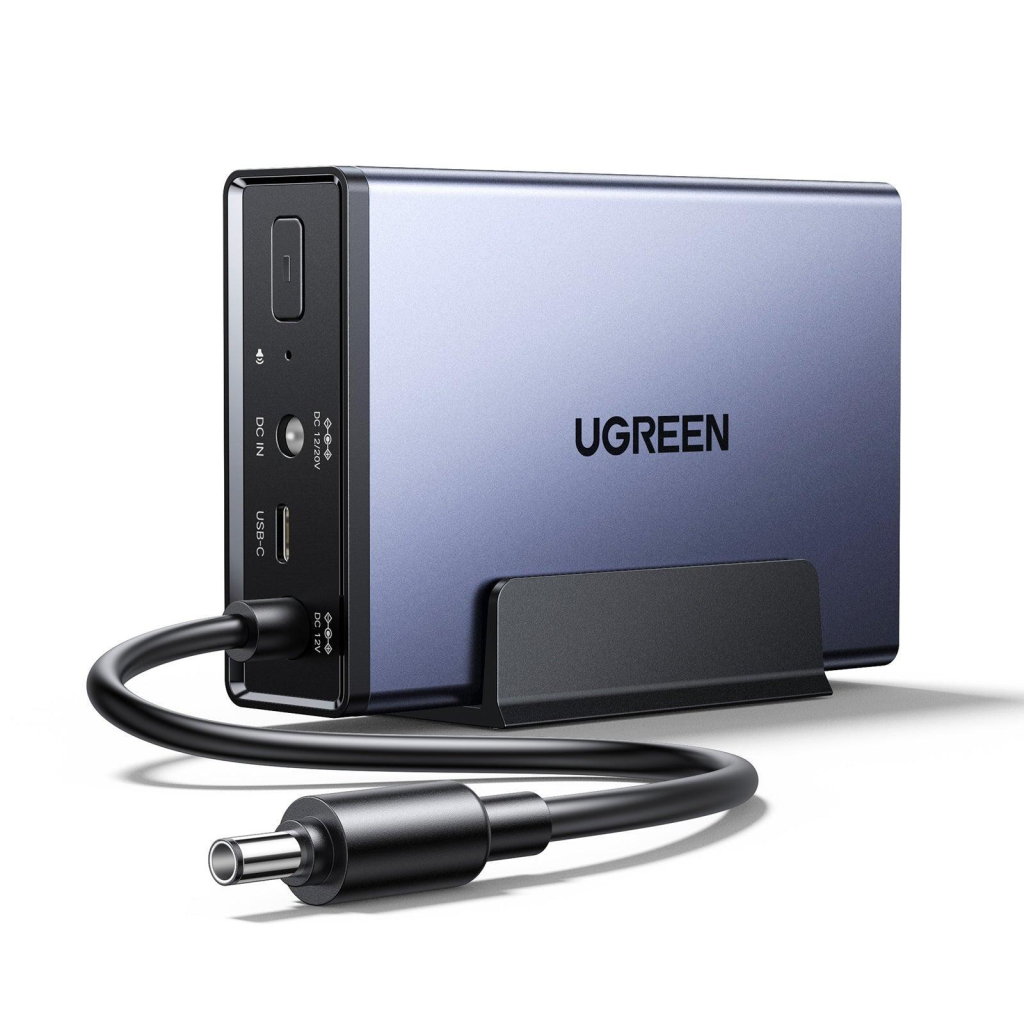
The core strength of a NAS lies in three fundamental capabilities: centralization of scattered digital assets, automation of routine tasks, and secure remote access to your files from anywhere. Quality solutions like UGREEN’s NAS systems leverage these functions through carefully selected apps, evolving from simple storage devices into dynamic platforms that anticipate and meet your family’s digital needs. As storage technologies advance, your NAS becomes increasingly capable of handling emerging data types and usage patterns, ensuring it remains a future-ready investment that grows with your requirements.
Essential NAS App Categories for Home Users
Data Backup & Sync Solutions
The foundation of any NAS setup begins with robust backup applications that automatically safeguard your digital assets. These apps provide scheduled backups from multiple devices, ensuring your computers, phones, and tablets are protected without manual intervention. Modern backup solutions offer features like incremental backups and versioning, minimizing storage usage while maintaining comprehensive data protection.
Media Organization & Streaming
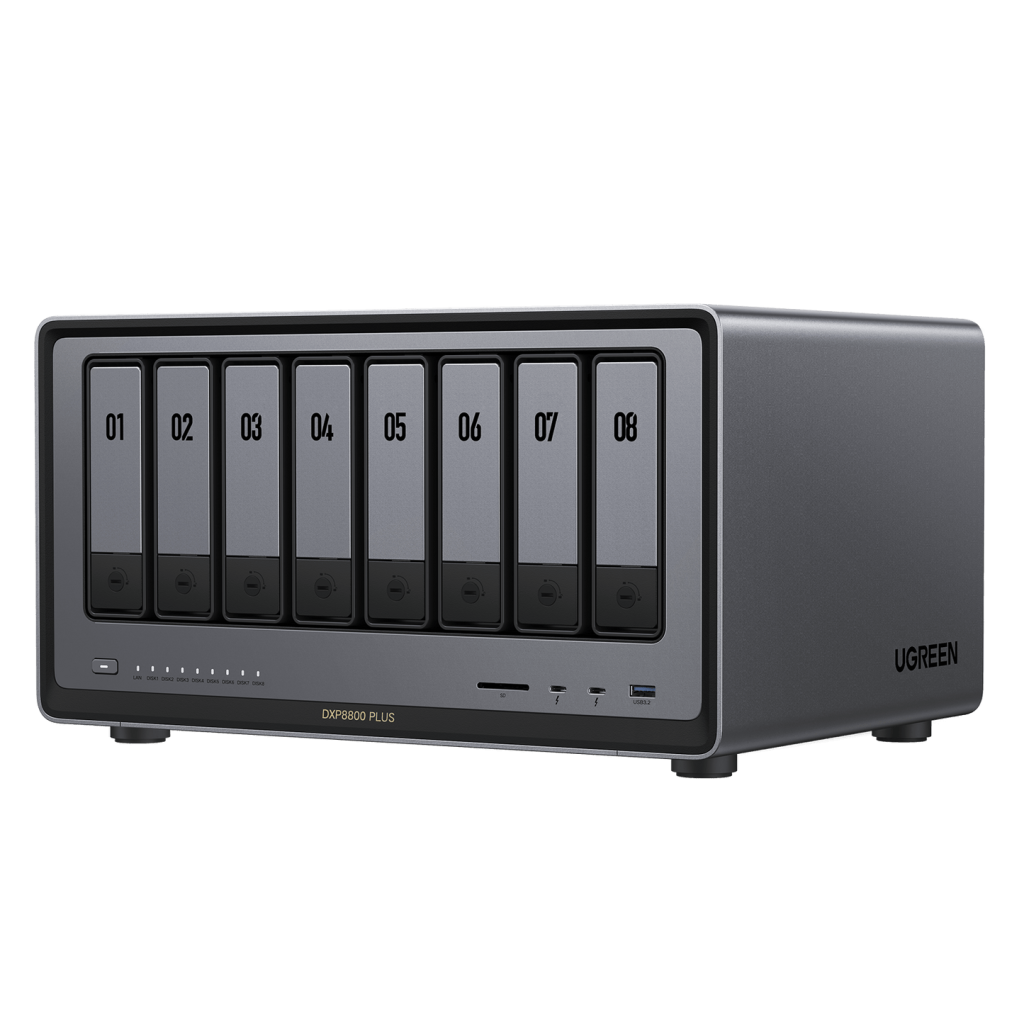
Media management apps transform your NAS into a personal entertainment hub, offering intelligent photo organization with features like automatic categorization and face recognition. These applications also enable seamless streaming of movies, music, and photos to any device in your home, with smart transcoding capabilities that optimize playback quality based on your network conditions.
Productivity & Smart Home Utilities
The latest NAS applications extend beyond storage to enhance your daily workflow. From collaborative document editing to smart home device integration, these utilities automate routine tasks and create a more connected home environment. Popular features include calendar synchronization, automated file processing, and integration with home automation systems for enhanced convenience and efficiency.
Top 6 Must-Have NAS Apps for Families
Photo Management Essentials
For families prioritizing photo organization, Synology Photos and PhotoStation lead the pack with intuitive interfaces and powerful features. These apps automatically sort photos by date, location, and faces, creating dynamic albums that make finding specific memories effortless. The AI-powered facial recognition technology learns and improves over time, making it easier to locate photos of specific family members across years of memories.
Backup Powerhouse Applications
Hyper Backup and Active Backup for Business stand out as comprehensive backup solutions that protect your digital life. These applications offer flexible scheduling, incremental backups to minimize storage usage, and the ability to restore files from any point in time. With built-in cloud integration, they can automatically sync critical folders to services like Google Drive or Dropbox, providing an extra layer of protection for irreplaceable family documents.
Media Server Superstars
Plex Media Server and Video Station transform your NAS into a powerful entertainment hub. These apps excel at organizing and streaming your media collection, with smart transcoding that adapts video quality based on your device and network speed. The ability to share specific libraries with family members, create custom viewing profiles for kids, and access content remotely makes these apps indispensable for modern families. Advanced features like automatic subtitle downloads, metadata fetching, and watch progress synchronization across devices ensure a seamless viewing experience for everyone in the household.
Simple Photo Backup: Step-by-Step Guide
Configuring Automatic Mobile Backups
Setting up automatic photo backups from your mobile devices ensures your memories are protected without manual intervention. Begin by installing your NAS manufacturer’s mobile app, such as DS Photo or Synology Photos. Open the app and connect to your NAS using your local network or QuickConnect ID. Navigate to the backup settings and enable automatic photo backup. Select which folders to include and choose between full-resolution uploads or compressed versions to balance quality and storage space. Configure backup conditions, such as Wi-Fi-only transfers to conserve mobile data.
Organizing Legacy Photo Collections
For existing photo collections, start by creating a structured folder hierarchy on your NAS. Use the web interface to upload multiple photos simultaneously through drag-and-drop functionality. Enable automatic organization features like chronological sorting and AI-powered face recognition. Apply descriptive tags to photos using batch operations, focusing on important details like events, locations, and people. Create shared albums for family access and enable version history to protect against accidental deletions. Remember to verify that your upload settings maintain original photo quality and preserve metadata like capture dates and GPS coordinates.
Future-Proofing Your Storage Strategy
Modern NAS systems equipped with SSDs deliver exceptional performance that revolutionizes home data management. These high-speed drives significantly reduce access times for frequently used files and improve overall system responsiveness. When planning your storage strategy, consider implementing a tiered approach where SSDs handle active data while traditional hard drives store less frequently accessed content. This hybrid configuration optimizes both performance and cost-effectiveness. As data requirements grow, look for NAS solutions that offer easy capacity expansion through additional drive bays or expansion units. Stay informed about emerging storage technologies like NVMe caching and multi-gig networking, which can further enhance your NAS performance. Regular firmware updates and hardware maintenance ensure your system remains compatible with new applications and security standards, protecting your investment for years to come.
Empowering Digital Life Through Smart NAS Solutions
Transforming your NAS into a smart digital hub through carefully selected applications represents a crucial step toward securing and organizing your family’s digital legacy. The combination of robust photo management tools, automated backup solutions, and versatile media servers creates a comprehensive ecosystem that safeguards your memories while making them easily accessible. By implementing automatic mobile backups and organizing your legacy photo collections, you’ll establish a sustainable system that grows with your family’s needs. The future-ready nature of modern NAS systems, particularly those equipped with SSDs, ensures that your digital assets remain protected and accessible as technology evolves. Take the first step today by setting up these essential applications – your future self will thank you for preserving those irreplaceable family moments. With a properly configured NAS and its powerful app ecosystem, you can finally achieve the digital peace of mind that comes from knowing your memories are safe, organized, and always at your fingertips.